The 13 Best Tools for Content Creators in 2026
Discover the 13 best tools for content creators in 2026. This guide covers the top software and gear for video, audio, design, and growth.

Himanshu Bisht
Professional Blog Writer
Himanshu Bisht is a digital community and content expert. With the strategies he shares, companies and creators have generated over 10 million dollars in combined sales. His views have been featured in the magazines like Forbes and Authority Magazine. Himanshu writes expert articles for creators on Virlo AI.

The creator economy moves faster than ever, and staying ahead means working smarter, not just harder. While raw talent is crucial, the right toolkit can transform your workflow, amplify your creativity, and turn hours of manual research into minutes of strategic action. This guide isn't just another list; it's a curated arsenal of the best tools for content creators in 2026, designed to streamline every stage of your process—from discovering the next big trend to editing your final cut and analyzing your performance. We'll dive deep into the specific use cases, honest pros and cons, and pricing considerations for each tool, helping you build a tech stack that fuels consistent growth.
This comprehensive resource is for creators who need data-backed ideas, optimized production pipelines, and a clear path to growth. Whether you're a short-form video creator on TikTok, a UGC specialist, or a social media manager, the platforms covered here will help you produce higher-quality content, faster. Ultimately, the right tools are an advantage not just for creation but also for developing effective strategies to monetize content and build a creator business.
Each recommendation is broken down for quick scanning, complete with direct links and screenshots to give you a clear look at the user experience before you commit. We've done the heavy lifting so you can focus on what you do best: creating. Let’s explore the essential tools that will give you a decisive edge.
1. Virlo
Virlo establishes itself as a powerhouse among the best tools for content creators by offering a comprehensive, data-driven platform designed to master short-form video. It moves beyond simple editing or scheduling by integrating trend discovery, competitive analysis, and AI-powered content production into a single, cohesive workflow. The platform analyzes millions of daily posts from over 20,000 creators, providing users with de-duplicated, freshness-ranked trend signals across TikTok and YouTube Shorts. This ensures creators can capitalize on momentum before a trend becomes saturated.
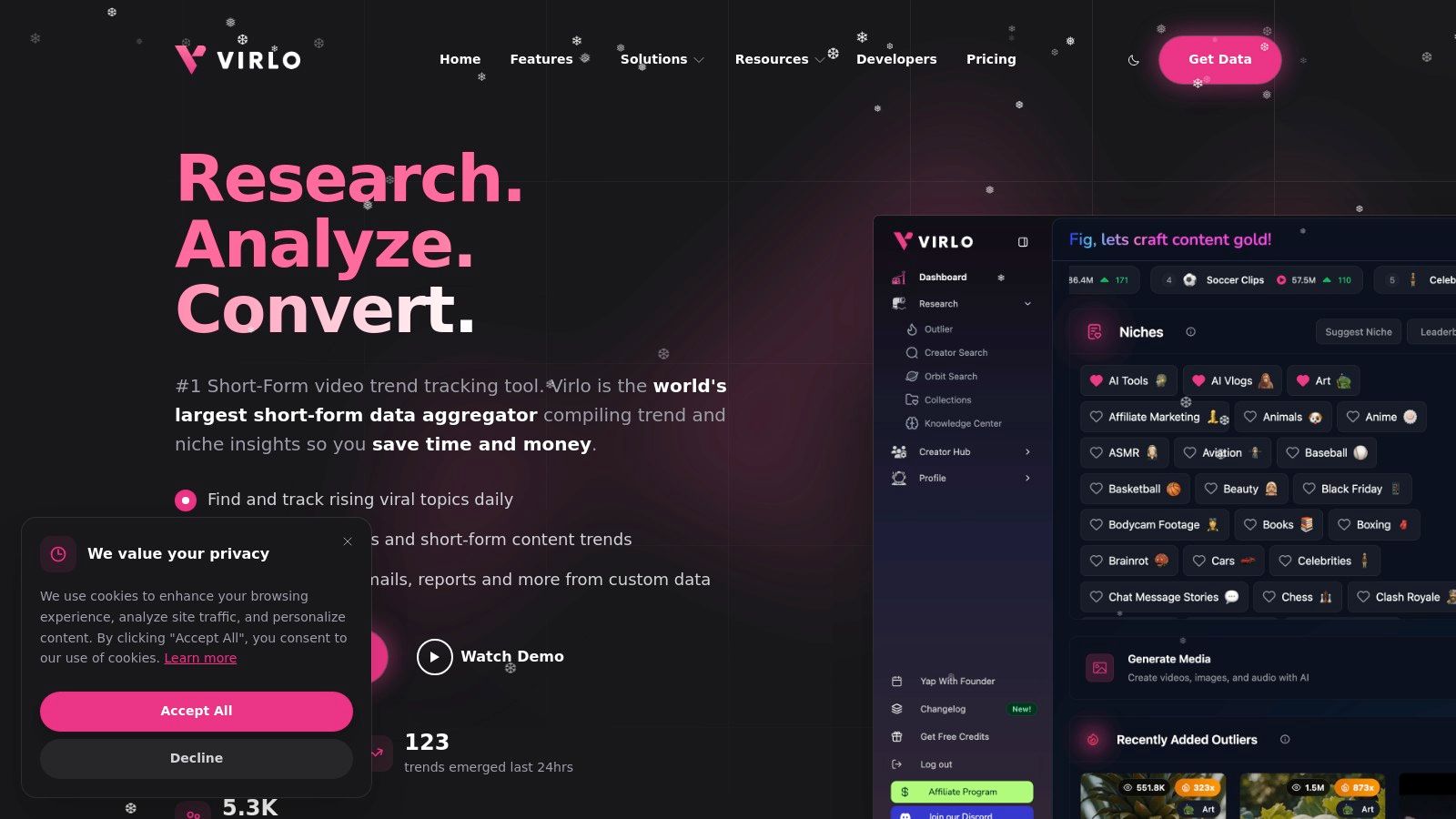
Often described as a "Bloomberg for short-form," Virlo's strength lies in transforming raw data into actionable creative assets. Its integrated AI suite can generate hooks, outlines, and captions based on viral formats. The platform even includes advanced tools like Nano Banana for image generation, ElevenLabs for voiceovers, and Veo 3 for full video production, significantly reducing the reliance on multiple disconnected applications. This end-to-end capability is what makes it a standout choice for serious creators and social media teams.
Key Features and Use Cases
Data-Driven Trend Discovery: Identify rising niches and viral outliers with real-time analytics. Ideal for social media managers who need to justify content strategy with hard data.
End-to-End AI Production: Move from a trend signal to a polished video with AI-generated scripts, voiceovers (ElevenLabs), and video clips (Veo 3). Perfect for UGC editors and agencies scaling content pipelines.
Competitive and Product Intelligence: Analyze top-performing creators to model successful formats and track viral products on TikTok Shop. This is essential for e-commerce sellers aligning products with viral content.
Pricing and Access
Virlo operates on a subscription-based model. Specific pricing tiers are detailed on its website, with plans designed to accommodate individual creators, agencies, and larger corporate teams.
Pros: Its deep, timely data is unparalleled, and the all-in-one workflow from trend to finished video saves significant time. The platform's proven scale (1,700+ companies) and strong social proof provide confidence in its effectiveness.
Cons: The subscription cost can be a barrier for hobbyists who can't consistently leverage its features. While the AI outputs accelerate production, they often require a final human touch to align perfectly with a specific brand voice.
To understand how to apply these insights effectively, you can explore detailed strategies on the official Virlo blog about short-form video trends.
Website: https://virlo.ai
2. Amazon
For sourcing physical gear, Amazon remains the undisputed starting point for most creators in the U.S. Its massive marketplace serves as an essential, one-stop shop for everything from beginner vlogging kits to professional-grade studio equipment. Whether you're upgrading your lighting setup, buying a new microphone, or simply stocking up on backdrops and props, its sheer inventory is unmatched.
Best For: Gear & Supplies Procurement
What makes Amazon one of the best tools for content creators is its speed and selection. With Prime, you can often get critical equipment like a new gimbal or SD card delivered the same or next day, preventing production delays. The extensive user reviews and Q&A sections are invaluable for vetting products, allowing you to see real-world feedback from other creators before purchasing.
Key Features & Considerations
Vast Selection: Access a huge range of gear for every budget, from entry-level mics to high-end cameras and streaming accessories.
Fast Fulfillment: Amazon Prime offers incredibly fast shipping, which is a lifesaver when equipment breaks or you need a last-minute item for a shoot.
User Reviews: Leverage community feedback to compare similar products and avoid poor-quality items.
Pros:
Extremely fast shipping and wide U.S. availability.
Simple and reliable returns process.
Cons:
Quality can be inconsistent with third-party sellers; always check seller ratings.
Can be overwhelming without a specific item in mind.
Pro-Tip: Use Amazon Lists to organize your gear wishlists and budget for future studio upgrades. You can also use browser extensions like Keepa to track prices and wait for sales.
Website: https://www.amazon.com
3. B&H Photo Video
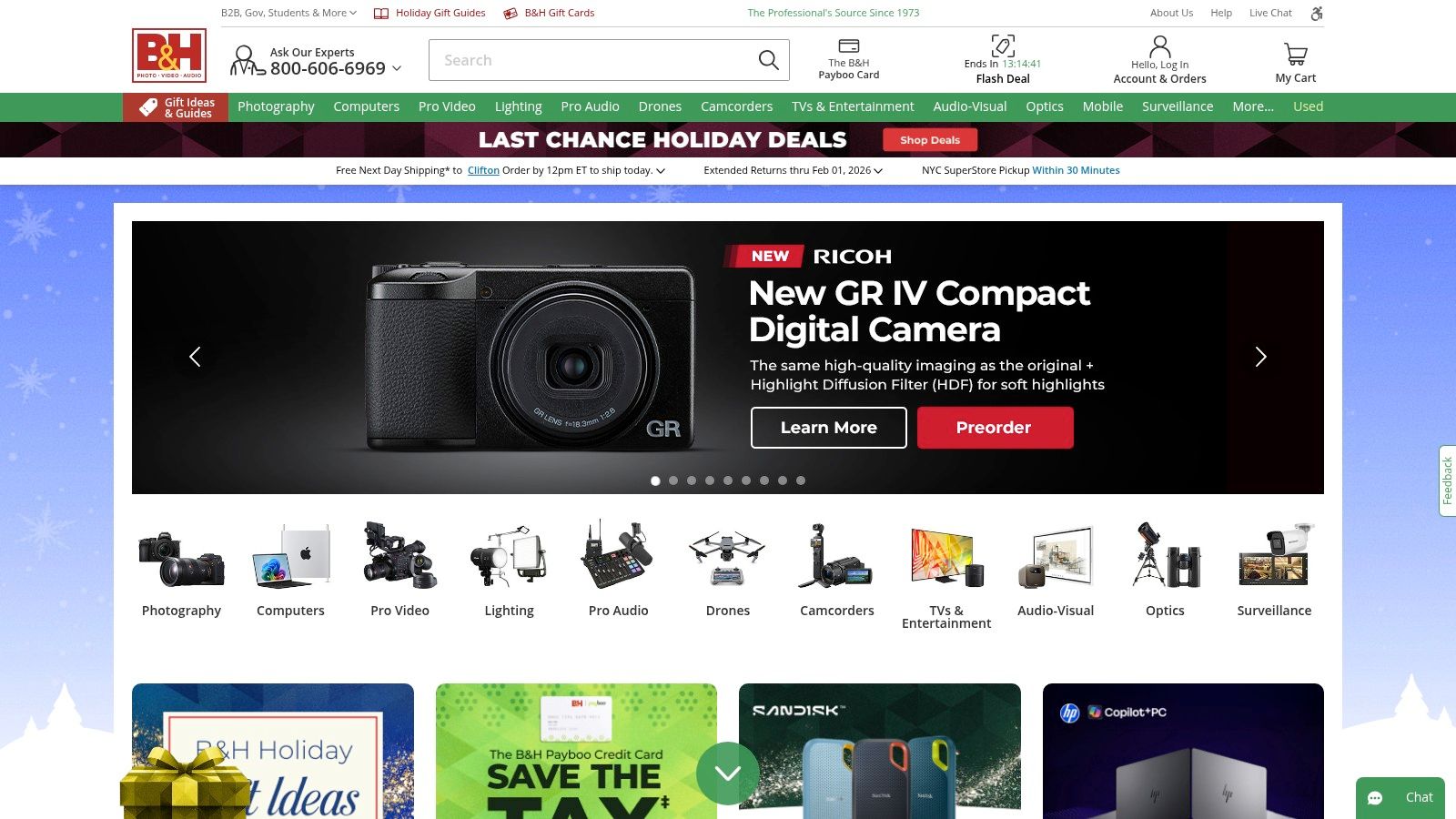
For creators ready to invest in professional-grade equipment, B&H Photo Video is the industry-standard retailer. While Amazon offers breadth, B&H provides curated depth, specializing in high-end cameras, lenses, professional audio interfaces, and studio lighting. It’s the go-to source for specialized gear you won’t find elsewhere, backed by expert product pages and a knowledgeable support team.
Best For: Pro-Grade Gear & Specialized Kits
What solidifies B&H as one of the best tools for content creators is its focus on quality and expertise. The product listings are incredibly detailed, providing specs and compatibility information that are crucial for making informed purchases on expensive equipment. Their pre-made kits and bundles are also excellent for creators looking to build out a complete audio, video, or streaming setup without guesswork.
Key Features & Considerations
Extensive Pro Selection: Find an unparalleled catalog of professional video cameras, cinema lenses, audio recorders, and grip equipment.
Reliable Stock & Shipping: B&H offers clear stock indicators and ETAs, with free expedited shipping on most U.S. orders over $49.
Creator-Friendly Financing: The Payboo credit card can save you the sales tax on large purchases, making significant investments more accessible.
Pros:
Fast, predictable shipping and highly accurate stock ETAs.
Competitive pricing on high-end equipment and frequent deal zones.
Cons:
Some brands have international shipping restrictions.
The Payboo card is a store credit card and may have a high APR if not paid off quickly.
Pro-Tip: Use the B&H "Used" department to find professionally inspected, high-quality gear at a significant discount. It's a fantastic way to upgrade your kit on a tighter budget.
Website: https://www.bhphotovideo.com
4. Adorama
For creators who have outgrown entry-level gear, Adorama is a top-tier national retailer specializing in professional cameras, audio equipment, and studio lighting. It functions as a direct competitor to other pro-level stores, offering a curated selection for serious videographers, photographers, and live-streamers. The platform is especially known for its unique product bundles and a rewarding loyalty program.
Best For: Specialized Gear & Loyalty Perks
Adorama distinguishes itself from general marketplaces by focusing on high-quality equipment and building customer loyalty. Its VIP Rewards program is one of the best tools for content creators who frequently invest in their setup, offering tiered perks like points, extended returns, and free expedited shipping. This makes it an ideal destination for purchasing big-ticket items like a new mirrorless camera or a multi-light panel kit.
Key Features & Considerations
Creator Bundles: Adorama often packages cameras with essential accessories like microphones, lenses, and lighting, providing great value for those building a new rig.
VIP Rewards Program: A tiered system (VIP, VIP Perks, VIP Pro) that rewards repeat customers with points, exclusive deals, and shipping benefits.
Financing Options: Offers financing plans to help creators manage the cost of expensive equipment upgrades, making professional gear more accessible.
Pros:
Frequent sales, member-only offers, and competitive bundle pricing.
The paid VIP Pro tier provides valuable perks like free 2-day shipping and a 60-day return window.
Cons:
Free shipping benefits can be inconsistent, sometimes excluding AK/HI or varying by item.
The most significant rewards are locked behind the paid VIP Pro tier.
Pro-Tip: Before making a large purchase, check Adorama's "Deal of the Day" section and compare their custom bundles against buying items individually. The savings can often be substantial.
Website: https://www.adorama.com
5. Sweetwater
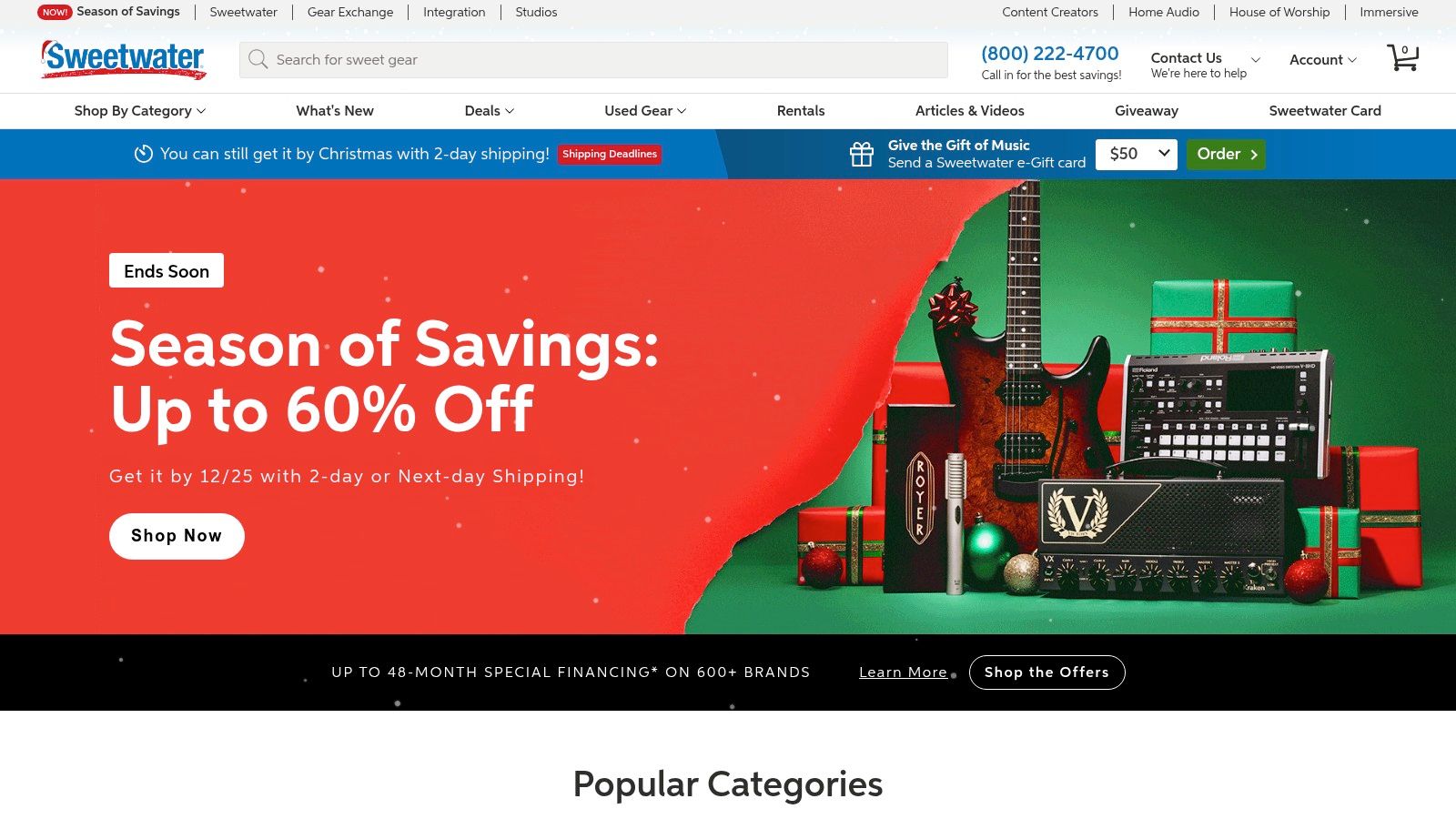
For creators who prioritize high-quality audio, Sweetwater is the industry-leading online retailer for sound equipment. Unlike general marketplaces, it specializes exclusively in audio gear, offering everything from professional-grade microphones and audio interfaces to studio monitors and acoustic treatment. Their expert focus makes it the go-to destination for podcasters, streamers, and video creators dedicated to achieving crystal-clear sound.
Best For: High-Quality Audio Gear
What truly sets Sweetwater apart as one of the best tools for content creators is its unparalleled customer support and expertise. Every customer is assigned a dedicated Sales Engineer, a real audio expert you can call for personalized advice. This service, combined with an extensive library of educational content, ensures you invest in the right gear for your specific needs, from a home studio setup to a mobile podcasting rig.
Key Features & Considerations
Expert Sales Engineers: Get free, personalized product recommendations from knowledgeable audio professionals.
Total Confidence Coverage: Most purchases include a free two-year warranty, offering extended protection and peace of mind.
In-House Service Department: Fast and reliable repairs are handled directly by Sweetwater’s team of certified technicians.
Pros:
Exceptional pre- and post-sale customer support.
Fast, transparent shipping (typically 1–5 business days).
Cons:
You must pay to ship items to Sweetwater for warranty service.
Product selection is highly specialized and limited to audio equipment.
Pro-Tip: Before making a big purchase, call your assigned Sales Engineer. They can often provide insights on product compatibility and alternative options that you might not find on your own.
Website: https://www.sweetwater.com
6. Best Buy
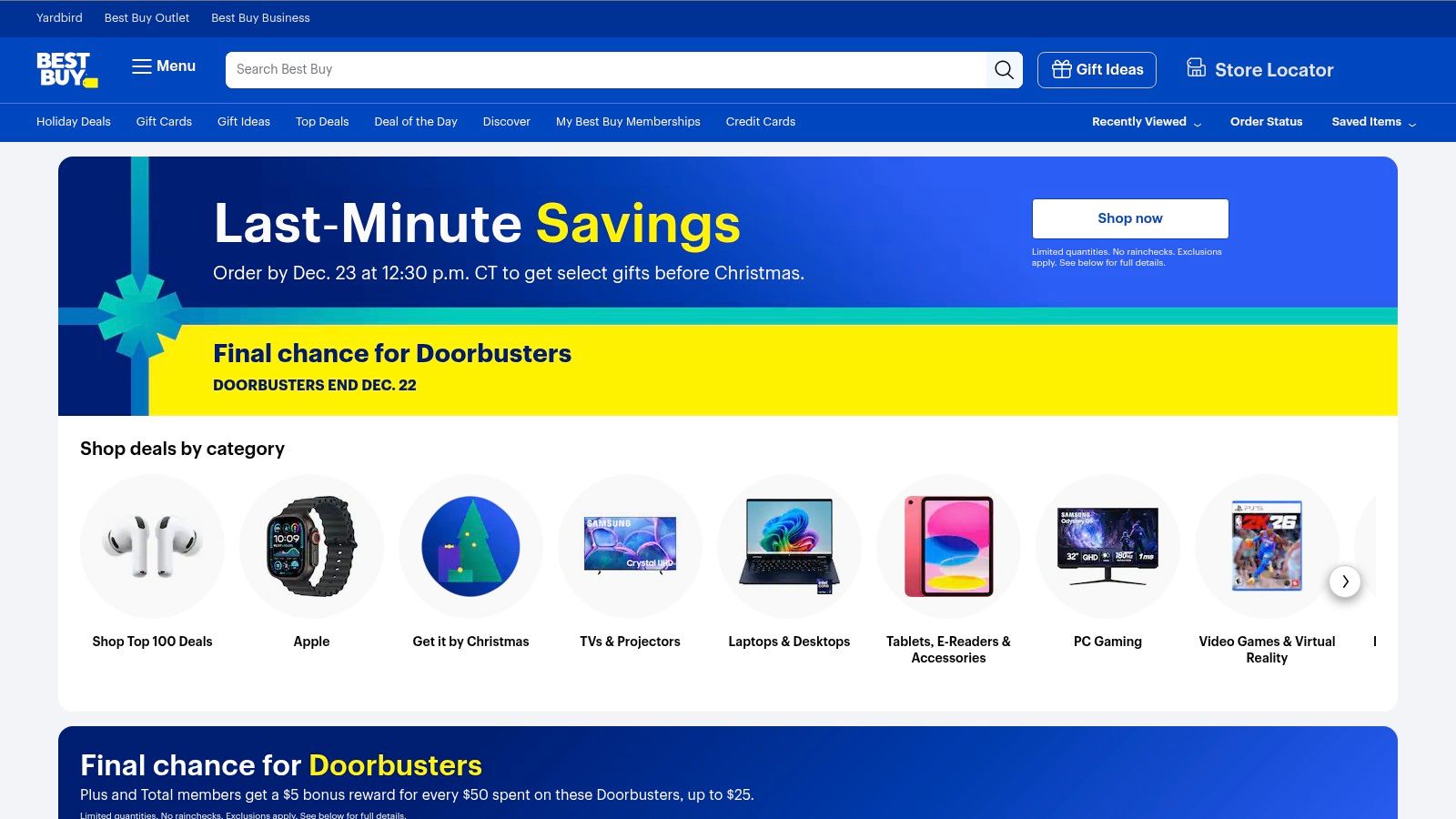
For creators who need equipment now, Best Buy is an indispensable resource. While online retailers offer vast selection, nothing beats the ability to walk into a store and walk out with a new camera, microphone, or capture card minutes later. Best Buy bridges the gap between online convenience and the immediate gratification of physical retail, making it a critical tool for urgent gear replacement or last-minute shoot preparations.
Best For: Same-Day Gear & Hands-On Shopping
What cements Best Buy's place among the best tools for content creators is its immediate fulfillment model. When a key piece of gear like a hard drive fails mid-project, waiting even a day for shipping is not an option. With options for in-store or curbside pickup often ready within an hour, you can resolve technical emergencies and prevent costly production delays. This hands-on access also allows you to physically compare items like tripods or monitors before committing to a purchase.
Key Features & Considerations
Immediate Fulfillment: Most items can be purchased online for in-store or curbside pickup within an hour, solving urgent equipment needs instantly.
Hands-On Experience: Unlike online-only stores, you can physically see, hold, and compare gear in-store, which is invaluable for items where feel and build quality matter.
Flexible Pickup: Offers multiple pickup points beyond its stores, including partnerships with locations like FedEx Office or Walgreens for added convenience.
Pros:
Extremely fast fulfillment for immediate gear needs.
Straightforward in-store returns process provides peace of mind.
Cons:
The standard 15-day return window for non-members is short.
Restocking fees may apply to certain opened products, like cameras.
Pro-Tip: Check the "Open-Box" section on the Best Buy website for your desired item. You can often find certified gear in excellent condition at a significant discount and pick it up the same day.
Website: https://www.bestbuy.com
7. Moment
For creators who primarily shoot on their smartphones, Moment is a curated marketplace that feels less like a big-box store and more like a boutique for mobile filmmakers. It’s the go-to source for high-quality gear designed to elevate phone videography, offering everything from anamorphic lenses and filter systems to compact gimbals, microphones, and travel-ready bags.
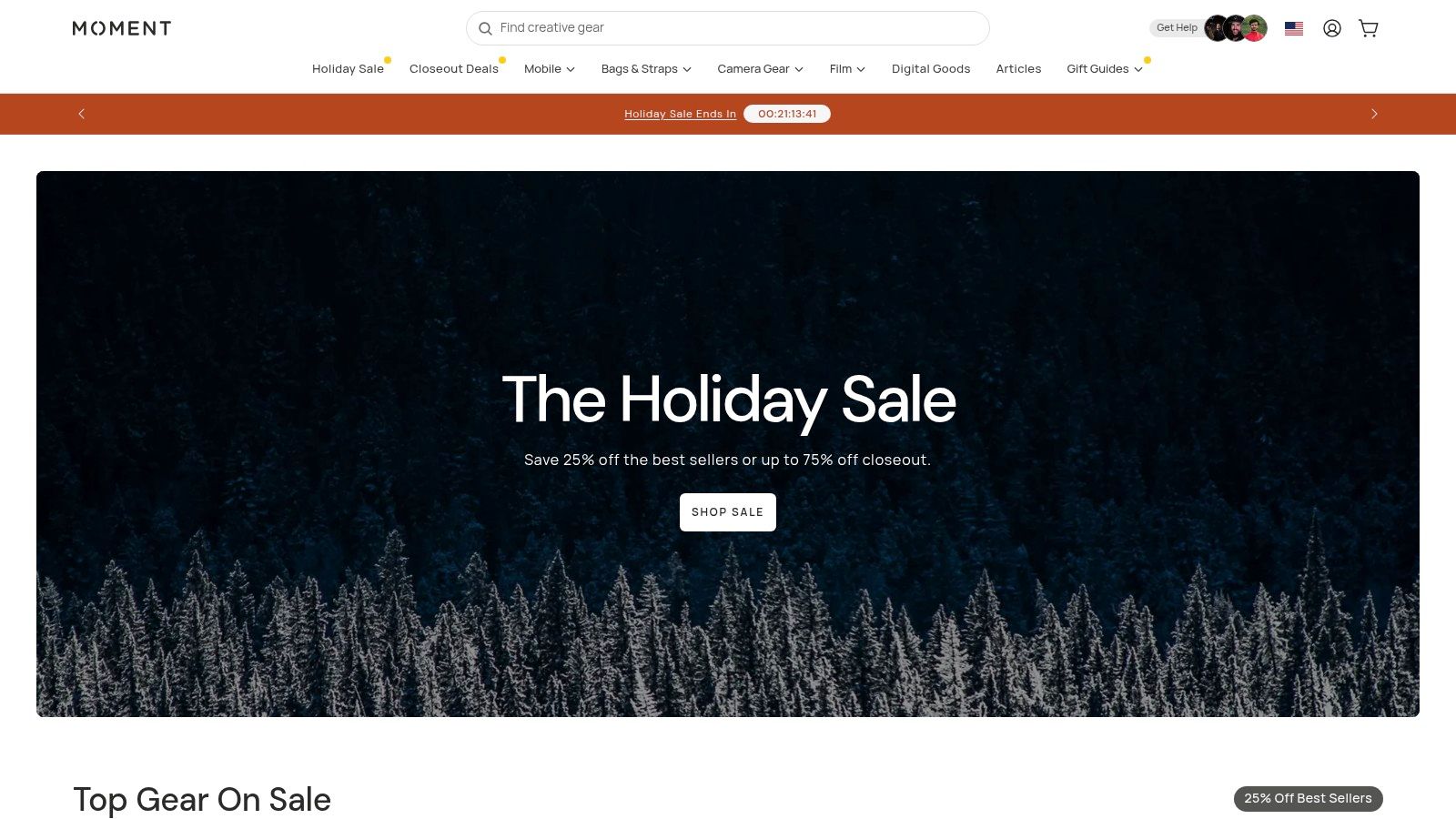
Best For: Mobile Creator Gear
What makes Moment one of the best tools for content creators is its sharp focus on the mobile-first workflow. Instead of overwhelming you with thousands of options, it curates a selection of premium, tested gear specifically for shooting on a phone. This specialized approach ensures you’re buying equipment that is both high-quality and perfectly suited for creating cinematic short-form content on the go.
Key Features & Considerations
Curated Mobile Gear: Specializes in smartphone-specific equipment, including their acclaimed in-house lenses, filters, and phone cases.
Creator Education: Offers tutorials, lessons, and a community centered around mobile photography and filmmaking to help you master your gear.
Moment Membership: A free membership provides perks like up to 10% back in store credit, a 90-day return window, and early access to new product drops.
Pros:
Excellent selection of high-quality, curated gear for smartphone creators.
Valuable member perks add significant value for frequent shoppers.
Cons:
Smaller inventory compared to massive retailers like Amazon or B&H.
Third-party items may have restocking fees and less flexible return policies.
Pro-Tip: Before purchasing a new phone, check Moment’s case and lens mount availability. Their system often requires a specific Moment-compatible case to attach their lenses.
Website: https://www.shopmoment.com
8. Adobe Creative Cloud (Pro/Standard)
For creators who require an all-in-one, professional-grade production suite, Adobe Creative Cloud remains the industry standard. It’s a comprehensive ecosystem of over 20 applications that covers every stage of content creation, from initial design work in Photoshop and Illustrator to final video edits in Premiere Pro and complex motion graphics in After Effects. Its integrated workflow allows for seamless asset transfer between programs, making it one of the best tools for content creators who manage complex, multi-layered projects.
Best For: Professional-Grade Editing & Design
What sets Creative Cloud apart is its sheer depth and power. While other tools focus on simplicity, Adobe provides unparalleled control for video, audio, and graphic design. With recent updates, the suite now includes a Standard and a Pro tier, with the Pro plan offering expanded AI credits for features like Generative Fill in Photoshop and text-based editing in Premiere Pro, significantly accelerating advanced editing workflows. For a deeper dive into editing software, you can learn more about Adobe and its alternatives.
Key Features & Considerations
Complete Creative Suite: Access 20+ desktop apps like Premiere Pro, After Effects, Photoshop, Lightroom, and Audition for a complete production pipeline.
Integrated AI Features: Leverage powerful AI tools, with expanded credits and capabilities on the Pro plan, to automate complex tasks and boost creativity.
Professional Workflows: Benefit from a vast plug-in ecosystem and cross-app integrations designed for high-end, professional projects.
Pros:
Ubiquitous format compatibility and an unrivaled, professional-grade toolset.
Pro plan provides expanded AI credits for accelerating advanced workflows.
Cons:
The subscription cost is significant, particularly for the Pro tier.
Presents a steep learning curve for creators new to professional software.
Pro-Tip: Utilize Adobe’s "Dynamic Link" feature to connect Premiere Pro and After Effects compositions without rendering. This allows you to make changes to a graphic in After Effects and see it update instantly in your Premiere Pro timeline, saving immense amounts of time.
Website: https://www.adobe.com/creativecloud
9. Canva
For creators who need to produce high-quality visual assets without a degree in graphic design, Canva is an indispensable, template-driven powerhouse. It simplifies the creation of everything from eye-catching YouTube thumbnails and TikTok video overlays to channel art and promotional graphics. Its drag-and-drop interface removes the steep learning curve associated with professional design software like Photoshop.
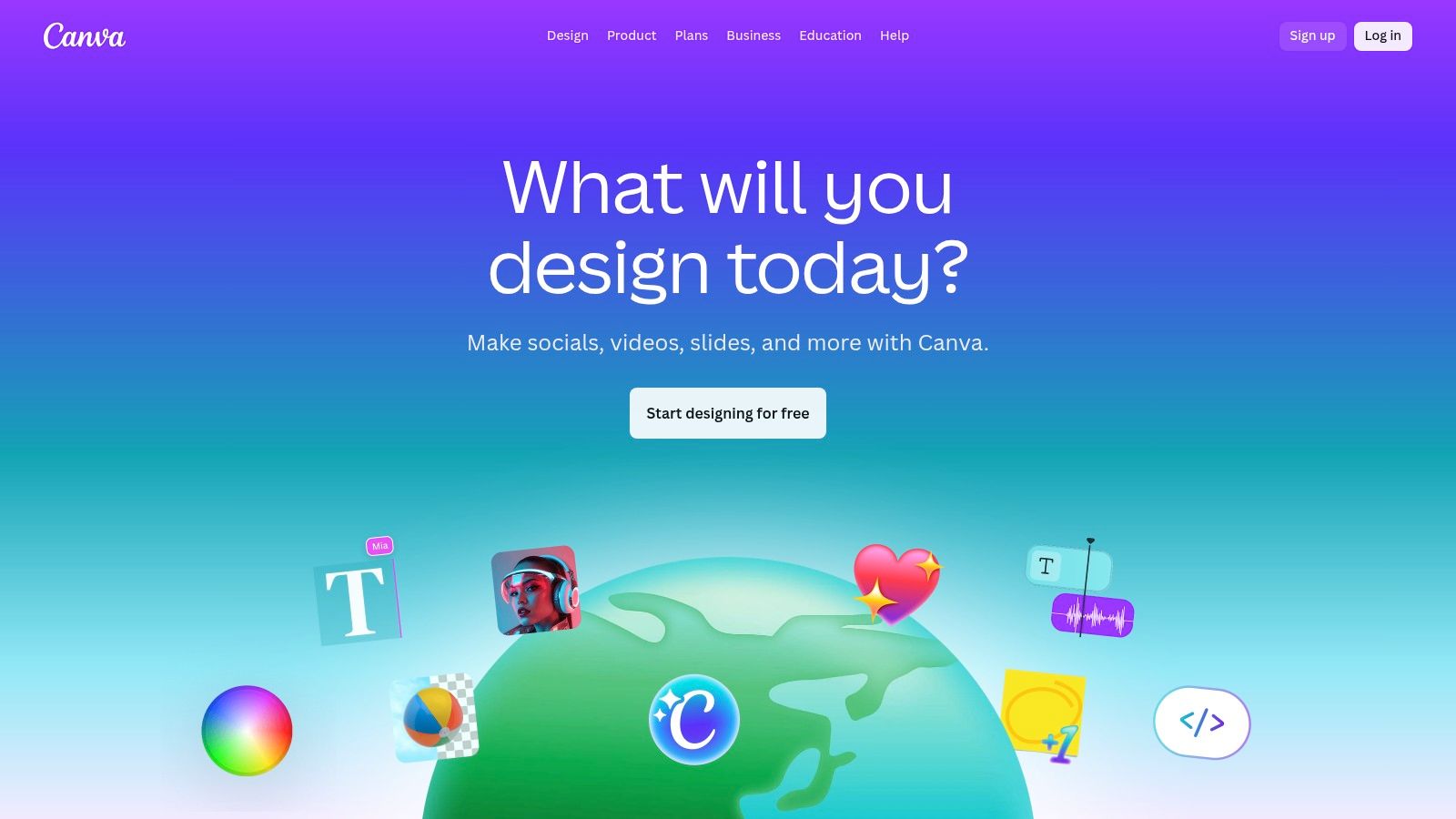
Best For: Thumbnails & Social Graphics
What makes Canva one of the best tools for content creators is its incredible speed and massive library of pre-made templates. You can design and export a compelling thumbnail in minutes, maintaining brand consistency across all your channels with saved brand kits. The platform’s simple video editor is also perfect for quickly adding text, graphics, and music to short-form content.
Key Features & Considerations
Massive Stock Library: Gain access to millions of photos, videos, graphics, and audio tracks, with straightforward licensing for Pro users.
AI-Powered Tools: Features like Magic Write and Background Remover accelerate the design process, allowing for rapid production of assets.
Team & Brand Management: Business tiers offer robust features for collaboration, brand kits, and approval workflows, ensuring a consistent look and feel. Adhering to visual guidelines is a key part of our recommended content creation best practices.
Pros:
Extremely fast to learn and use, with thousands of high-quality templates.
The free tier is generous and highly functional for basic needs.
Cons:
Less suitable for complex, professional-grade video editing projects.
Price and tier changes have caused confusion; always confirm your rate at checkout.
Pro-Tip: Use Canva’s "Styles" feature to instantly apply your brand's color palette and fonts to any template, saving significant time on customization.
Website: https://www.canva.com
10. Descript
Descript revolutionizes video and audio editing by turning it into a process as simple as editing a text document. Instead of manipulating timelines and waveforms, you edit the auto-generated transcript, and the corresponding media is edited for you. This makes it an incredibly powerful tool for creators who work with spoken-word content, like podcasts, interviews, and talking-head videos for platforms like YouTube Shorts and TikTok.
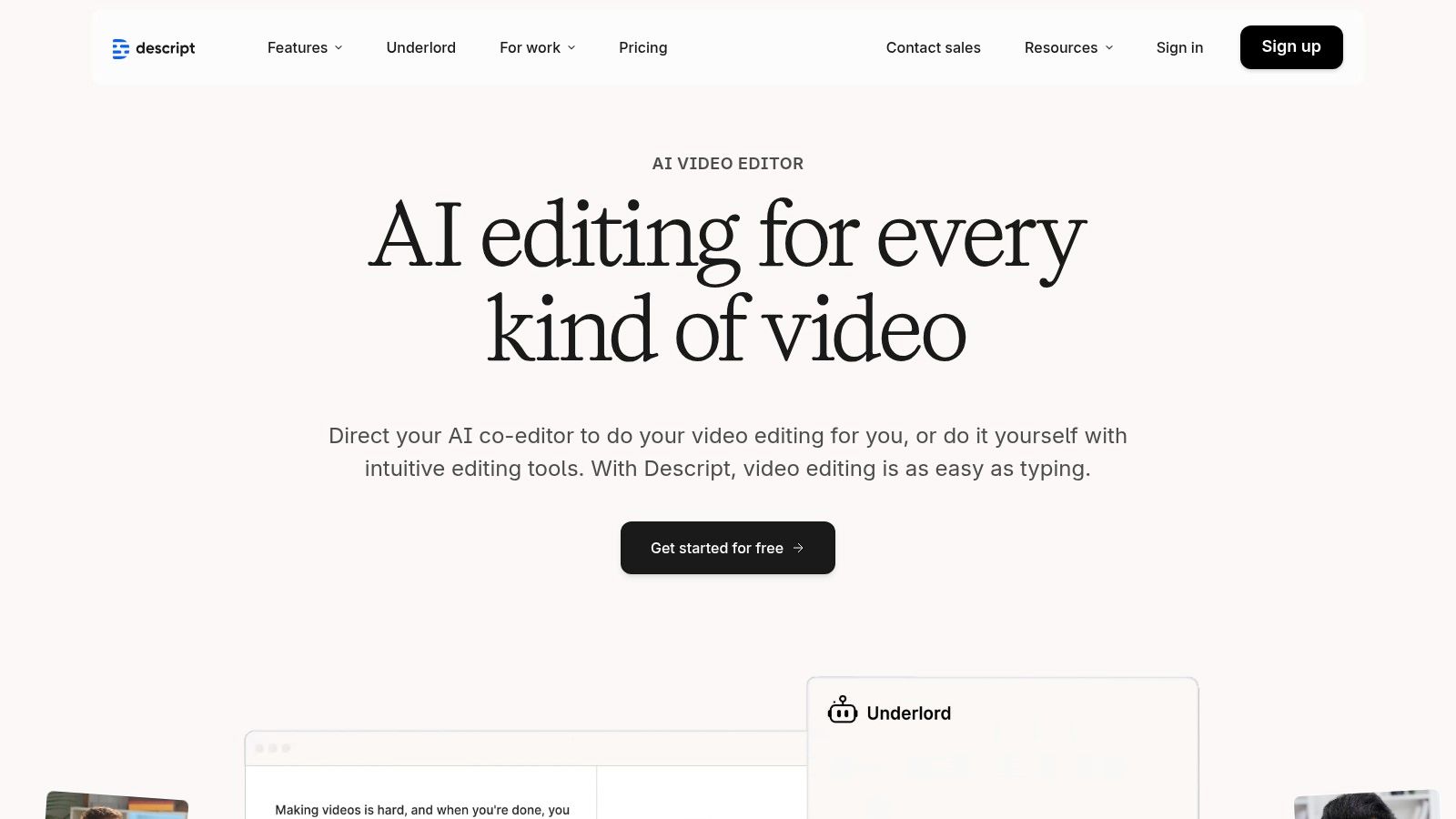
Best For: Repurposing & Transcript-Based Editing
What makes Descript one of the best tools for content creators is its efficiency. You can record a long-form video, and with one click, remove all filler words like "um" and "uh." From there, you can highlight key sentences in the transcript to instantly create short-form social clips, complete with animated captions. This workflow dramatically cuts down the time it takes to repurpose content for multiple platforms.
Key Features & Considerations
Transcript-Based Editing: Edit your video and audio by simply editing the text transcript, making the process intuitive and fast.
AI-Powered Tools: Features like automatic filler-word removal, an eye-contact tool to correct your gaze, and an AI voice cloner (Overdub) to fix audio mistakes.
Studio Sound: A one-click audio enhancement feature that removes background noise and echo, making audio sound professional.
Auto-Clipping: Quickly find the best moments in your recordings and turn them into shareable short videos.
Pros:
Extremely fast editing workflow for interviews and repurposing.
Strong auto-captions and social-cut templates.
Cons:
Less suitable for complex, multi-track cinematic edits.
AI minute credits and plan terminology can be confusing; check quotas before subscribing.
Pro-Tip: Use the "Find good clips" feature to let AI identify the most engaging segments of a long video, then turn each suggestion into a short-form video with a single click to maximize your content output.
Website: https://www.descript.com
11. Envato Elements
For creators who need a constant supply of high-quality assets without paying per item, Envato Elements is a game-changer. This all-in-one subscription service provides unlimited downloads of millions of creative assets. It's an indispensable resource for everything from slick video templates and B-roll footage to background music, sound effects, and professional thumbnail graphics.
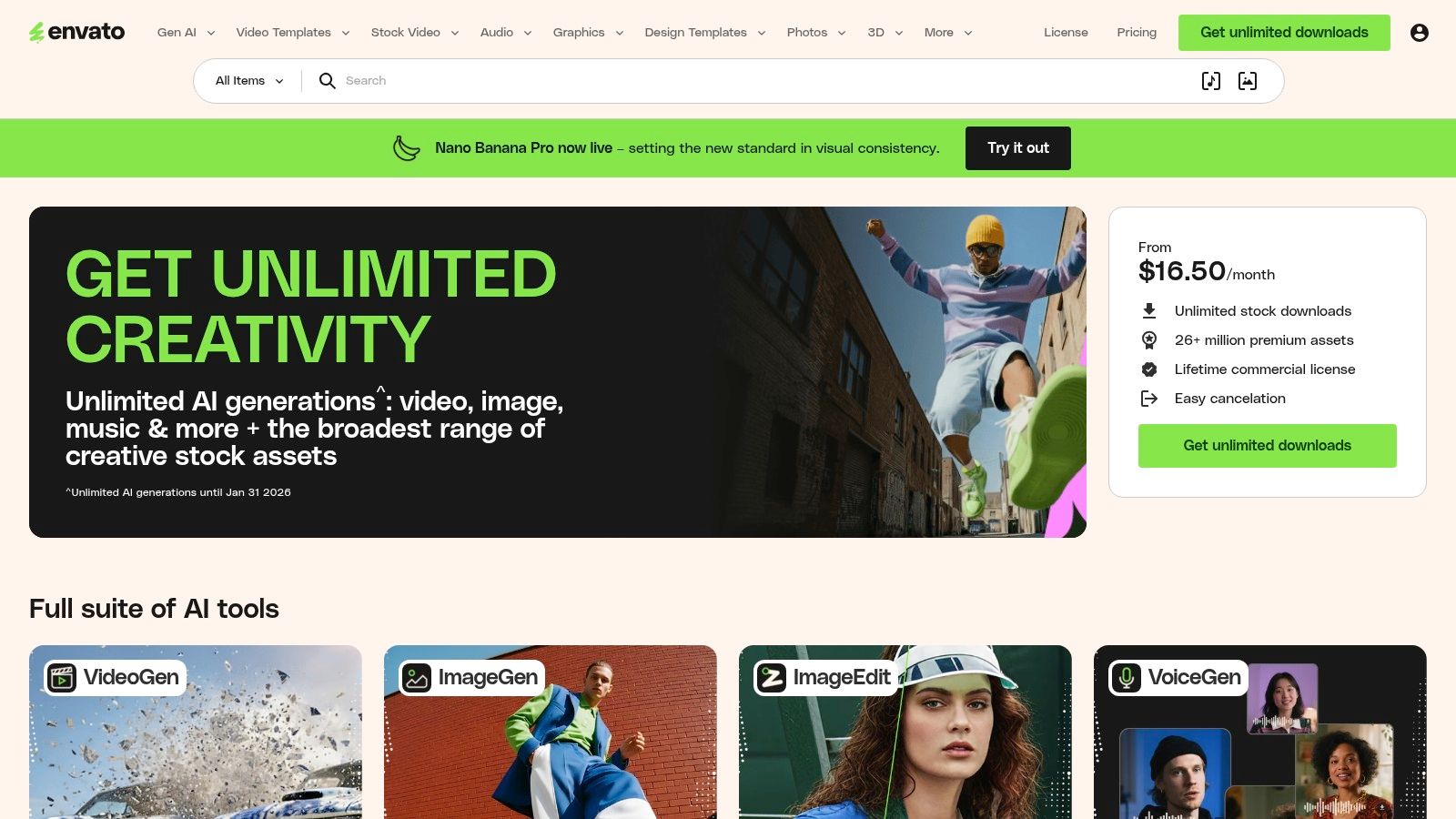
Best For: Creative Asset Subscription
What makes Envato Elements one of the best tools for content creators is its sheer value and simplicity. Instead of managing dozens of licenses or worrying about usage rights, you get a single commercial license that covers every asset you download. This simplifies the production workflow, allowing you to quickly find and integrate professional-grade elements like lower thirds, transitions, or stock video to elevate your content's production value.
Key Features & Considerations
Unlimited Downloads: Access over 26 million assets, including video templates, stock footage, music, graphics, fonts, and 3D models, all under one subscription.
Simple Licensing: A single, straightforward commercial license covers all assets for the lifetime of your projects, even after your subscription ends (for registered projects).
Wide Asset Variety: Covers nearly every creative need, making it a true one-stop shop for digital assets that complement your primary content creation tools.
Pros:
Incredible value for high-volume creators who regularly use stock assets.
Simple and broad commercial license removes legal complexities.
Cons:
Asset quality can be inconsistent between different authors; curation is necessary.
The vast library can sometimes be difficult to navigate to find the perfect item.
Pro-Tip: Create dedicated "Project" folders within Envato Elements to organize and license all the assets for a specific video or series. This makes it easy to track usage and ensures you have a record of your licenses for future reference.
Website: https://elements.envato.com
12. Epidemic Sound
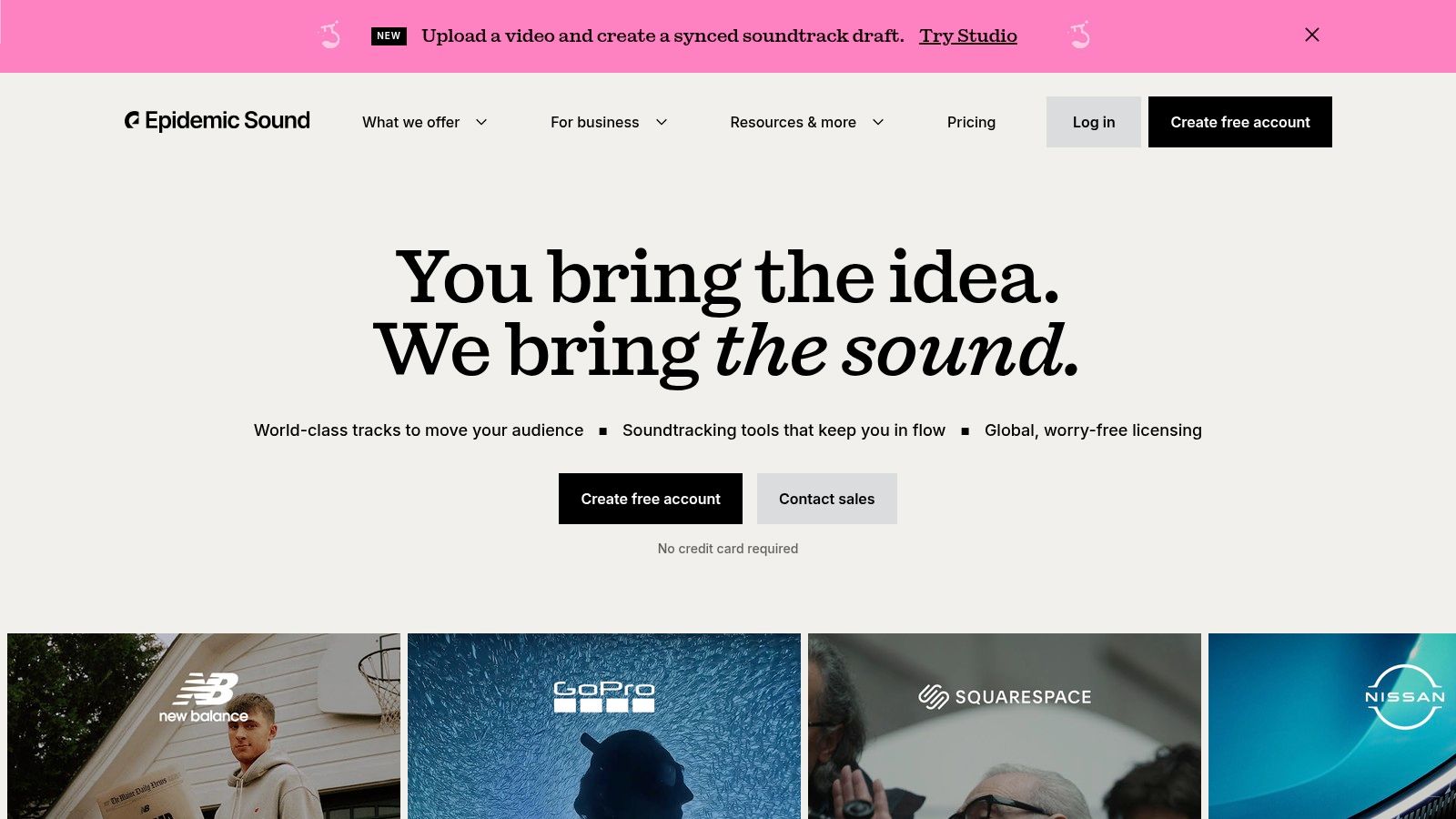
For creators who need high-quality, worry-free audio, Epidemic Sound is a go-to resource. It offers a massive library of royalty-free music and sound effects, eliminating the fear of copyright strikes and Content ID claims that plague creators on platforms like YouTube and Instagram. Its simplified licensing model is designed specifically for the creator economy, making it an essential tool for adding professional audio to videos.
Best For: Music & SFX Licensing
What makes Epidemic Sound one of the best tools for content creators is its straightforward channel safelisting feature. By linking your social media accounts, you grant them automatic clearance for any tracks you use, protecting your monetization and preventing your content from being flagged or taken down. The curated playlists and powerful search filters make finding the perfect background track or sound effect quick and painless.
Key Features & Considerations
Copyright Protection: Connect your YouTube, TikTok, Instagram, and other channels to automatically clear any music used, safeguarding your content.
Unlimited Downloads: Both personal and commercial plans offer unlimited access to the entire catalog of over 40,000 tracks and 90,000 sound effects.
High-Quality Library: The catalog is constantly updated with tracks from professional artists and composers across a wide range of genres and moods.
Pros:
Simple channel safelisting and monetization coverage for creators.
Large and regularly updated catalog of tracks and SFX.
Cons:
Pricing display can be dynamic by region; confirm the final cost at checkout.
The standard Creator plan does not cover client work or ads, requiring a Pro plan.
Pro-Tip: Use the "Stems" feature to download individual parts of a track, like just the drum beat or vocal melody. This gives you greater creative control when mixing audio for your videos.
Website: https://www.epidemicsound.com
13. CreatorsJet
For creators who spend more time chasing brand deals than making content, CreatorsJet solves a problem the rest of this list doesn’t touch: the media kit. Instead of manually rebuilding a Canva PDF every time your follower count changes, CreatorsJet builds a live, shareable media kit that pulls your stats, rates, and past collaborations directly from your connected social accounts.
Best For: Media Kits & Brand Partnerships
What makes CreatorsJet one of the best tools for content creators focused on monetization is that it treats your media kit as a living document instead of a static file. Since it pulls fresh metrics automatically, you’re never pitching a brand with numbers that are already a month out of date, and you get one hosted link to send instead of hunting down the latest export.
Key Features & Considerations
Auto-Updating Stats: Connected social accounts refresh your follower counts, engagement, and audience data automatically, so your kit never goes stale.
Partnership-Ready Sections: Rates, services, and past collaborations live in one page built specifically for brand conversations, not a general-purpose portfolio.
Hosted Link + PDF Sharing: Send a single link for pitches, or export a PDF version when a brand’s process requires an attachment.
Pros:
Free plan available with no credit card required, so you can preview the kit before committing.
Removes the manual busywork of updating a static media kit design every time your stats move.
Cons:
The free plan is limited to one connected social account; multi-platform creators will likely need Starter or Pro.
Less useful if you don’t yet do brand deals, since its whole focus is the partnerships stage, not production.
Pro-Tip: Keep your media kit link in your creator bio and email signature, not just in outreach DMs. Since the stats update automatically, it stays accurate everywhere you’ve already shared it.
Website: https://www.creatorsjet.com
Top 13 Content Creator Tools Comparison
Product | Core features ✨ | Quality/UX ★ | Value/Price 💰 | Target audience 👥 | Why choose / USP 🏆 |
|---|---|---|---|---|---|
Virlo 🏆 | Trend analysis (20k+ creators, freshness-ranked); AI hooks, captions, thumbnail & video gen | ★★★★★ Daily updates; fast, data-driven workflow | 💰 Subscription — high ROI for frequent users/teams | 👥 Creators, agencies, social teams, e‑commerce sellers | 🏆 End-to-end trend→publish platform; convert viral insights into ready-to-post videos |
Amazon | Vast gear selection; Prime fast shipping; reviews/Q&A | ★★★★☆ Broad reliability; variable 3rd‑party quality | 💰 Low–High — wide price range & quick deals | 👥 Hobbyists to pros needing quick buys | Large inventory + same/next‑day fulfillment |
B&H Photo Video | Pro cameras, audio, lighting; bundles & financing | ★★★★☆ Expert product pages; reliable stock ETAs | 💰 Mid–High — competitive pro pricing | 👥 Professionals, rental/finance users | Accurate stock/ETAs and creator-focused service |
Adorama | Cameras, bundles, VIP Rewards & financing | ★★★★☆ Frequent deals; clear promotions | 💰 Mid — VIP tiers add value | 👥 Pros & enthusiasts who buy bundles | VIP rewards, member perks and bundle offers |
Sweetwater | Audio-first catalog; sales engineers; warranty | ★★★★★ Excellent post-sale support & service | 💰 Mid — warranty & service add value | 👥 Audio creators, podcasters, studios | Exceptional support, dedicated product experts |
Best Buy | Consumer to prosumer gear; same‑day pickup/delivery | ★★★☆☆ Convenient in-person shopping; shorter return windows for non-members | 💰 Mid — instant availability is key value | 👥 Last-minute buyers, hands-on shoppers | Immediate fulfillment and in-store returns/pickup |
Moment | Mobile filmmaking lenses, gimbals, compact kits | ★★★★☆ Curated mobile gear; strong education | 💰 Mid — curated premiums; free shipping over $120 | 👥 Mobile-first & short‑form creators | Boutique mobile gear + creator education |
Adobe Creative Cloud | Premiere, After Effects, Photoshop + AI features | ★★★★☆ Industry-standard tools; steep learning curve | 💰 High — Pro tier expensive but powerful | 👥 Professional editors, studios | Full pro toolset, cross-app workflows & AI features |
Canva | Templates, stock library, AI helpers, brand kits | ★★★★☆ Very fast to learn; great templates | 💰 Low–Mid — generous free tier; Pro upgrades | 👥 Non-designers, social teams, creators needing speed | Rapid templated design & team brand controls |
Descript | Transcript-based editing; overdub, auto-clips | ★★★★☆ Fast repurposing for talking-heads & podcasts | 💰 Mid — tiered credits; check AI minutes | 👥 Podcasters, interviewers, repurposers | Rapid transcript-first editing and auto-clips |
Envato Elements | Unlimited assets (video, audio, templates, fonts) | ★★★★☆ Large catalog; quality varies by author | 💰 Excellent value — unlimited downloads subscription | 👥 Creators needing many assets at scale | Simple lifetime licensing & broad asset types |
Epidemic Sound | Music + SFX, channel safelisting, monetization cover | ★★★★☆ Creator-friendly clearance; large catalog | 💰 Subscription — region/account pricing varies | 👥 Video creators, streamers needing cleared tracks | Easy clearance & monetization protection for social platforms |
CreatorsJet | Auto-updating media kits, hosted link + PDF sharing | Clean, purpose-built kit UI | Free plan, no card required | Creators doing brand partnerships | Only tool here built specifically for brand-deal media kits |
Building Your Ultimate Creator Stack
Navigating the landscape of digital creation can feel overwhelming, with a seemingly endless array of software, hardware, and platforms all claiming to be essential. We've explored a wide range of the best tools for content creators, from data-driven trend discovery platforms like Virlo to powerhouse editing suites like Adobe Creative Cloud and essential asset libraries such as Envato Elements. The goal isn't to master every single tool mentioned, but to strategically assemble a personalized "creator stack" that directly addresses your biggest challenges and amplifies your unique strengths.
The most effective approach is to perform a simple audit of your current workflow. Where are your most significant bottlenecks? Are you spending hours scrolling for viral trends instead of creating? Is the editing process a technical nightmare that drains your creative energy? Or perhaps you struggle with creating professional-looking thumbnails that drive clicks. Your answers will guide your investment, ensuring you choose tools that solve real problems rather than just adding another subscription to your monthly expenses.
From Discovery to Distribution: A Strategic Approach
A truly optimized workflow is a seamless pipeline, not a series of disconnected tasks. Think of your process in distinct stages:
Discovery & Ideation: This is where it all begins. For creators on TikTok and YouTube Shorts, speed and relevance are paramount. A tool like Virlo is designed to dominate this stage, using data to surface emerging trends before they saturate the market. This proactive approach is a significant advantage over reactive content strategies.
Production & Editing: This is the creative heart of your work. For ultimate control and professional polish, Adobe Creative Cloud remains the industry standard. However, for speed and accessibility, tools like Descript (for audio/video editing through text) and Canva (for quick graphics and templates) are invaluable. Your choice here depends on your technical skill and the production value you're aiming for.
Asset & Resource Management: High-quality content relies on high-quality assets. Subscriptions to services like Epidemic Sound for royalty-free music and Envato Elements for stock footage, graphics, and templates can save you immense time and prevent copyright issues, elevating your final product with a professional sheen.
Choosing Your Tools Wisely
As you build your stack, consider these key factors. First, evaluate the learning curve. A powerful tool is useless if it's too complicated to integrate into your daily routine. Many services offer free trials, which are perfect for testing usability before committing. Second, assess the return on investment (ROI). Will this tool save you enough time or help you generate enough revenue to justify its cost?
For example, a dedicated analytics and trend-spotting platform may seem like a significant expense, but if it helps you create one viral video that drives massive growth or sales, its value becomes immediately apparent. Similarly, consider the type of content you produce. If you create tutorials or software demos, looking into specialized screen capture software options will be far more impactful than investing in a complex visual effects plugin. The right tool is the one that directly supports your specific content niche.
Ultimately, the best tools for content creators are the ones that get out of your way, allowing you to focus on what truly matters: your ideas, your voice, and your connection with your audience. Use this guide as a blueprint. Experiment, iterate, and build a tech stack that not only streamlines your workflow but also empowers you to consistently produce your best, most impactful work.
Ready to stop guessing and start creating with data-backed confidence? Virlo is the all-in-one platform designed to help you discover viral trends, generate scripts, and streamline your entire short-form video production process. Sign up for Virlo today and turn insights into impact.
See What's Trending Right Now
- Social listening for TikTok, Reels & Shorts
- Spot viral trends before they peak
- Turn insights into ads, scripts & briefs
The Signal Newsletter
Weekly trend breakdowns, creator insights, and social listening tips — straight to your inbox.
Subscribe FreeSee Virlo in action
See What's Trending Right Now
- Social listening for TikTok, Reels & Shorts
- Spot viral trends before they peak
- Turn insights into ads, scripts & briefs
The Signal Newsletter
Weekly trend breakdowns, creator insights, and social listening tips — straight to your inbox.
Subscribe FreePut this into practice with Virlo
Turn what you just read into real research. These are the tools creators, agencies, and brands use to find what's working on short-form video.
Content Research Agent
Run your short-form research on autopilot — outliers, creators, and sounds across TikTok, Reels, and Shorts.
Tracking Center
Monitor breakout creators, videos, and competitors with daily snapshots and deep AI analysis.
Free Data
Explore free viral hooks, trending niches, breakout products, and more — no account required.
Get The Signal
Join creators, marketers, and agencies getting weekly trend breakdowns and social listening insights delivered free.
Subscribe to the Newsletter
Stop Guessing. Start Knowing.
Join thousands of digital entrepreneurs using data to take the guesswork out of capitalizing on trends.